What Is an AI File? How to Open and Convert .AI Files


An AI file is the native file format of Adobe Illustrator, the industry-standard tool for vector graphics. If someone sends you a file ending in .ai, it almost certainly contains a logo, icon set, illustration, or print artwork built from scalable vector paths. In this guide we explain what an AI file is, how to open one (with and without Illustrator), and how to convert it into formats like Figma, Sketch, SVG, or PNG.
What is an AI file exactly?
Unlike a photo, which stores a grid of pixels, an AI file stores shapes as mathematical paths. As a result, you can scale the artwork from a business card to a billboard without any loss of sharpness. That property makes the format the default choice for logos, icons, typography work, and anything destined for print. According to Adobe’s own file type documentation, AI files can also embed pixel images alongside vectors, so a single file can mix both worlds.
Technically, modern AI files are built on top of the PDF standard. Illustrator saves them with a PDF-compatible stream by default, which is why some PDF viewers can preview .ai files even though they cannot edit them.
How to open an AI file
With Adobe Illustrator
Illustrator is the only application that opens AI files with full editing fidelity: layers, brushes, effects, and artboards all stay intact. Illustrator is part of Adobe Creative Cloud, which is subscription-only. Therefore, if you only need to view or convert a single file, a subscription is usually overkill.
Without Illustrator (free options)
- Preview it as a PDF: because most AI files are PDF-compatible, you can often open them in any PDF viewer, or rename the extension from .ai to .pdf. You will see the artwork but cannot edit it.
- Inkscape: the free, open-source vector editor imports PDF-compatible AI files. Complex effects may not survive, but simple artwork opens fine.
- Convert it to your design tool: if you work in Figma or Sketch, converting the AI file is usually the cleanest path, because you keep editable vectors instead of a flat preview.
How to convert an AI file to Figma, Sketch, and more
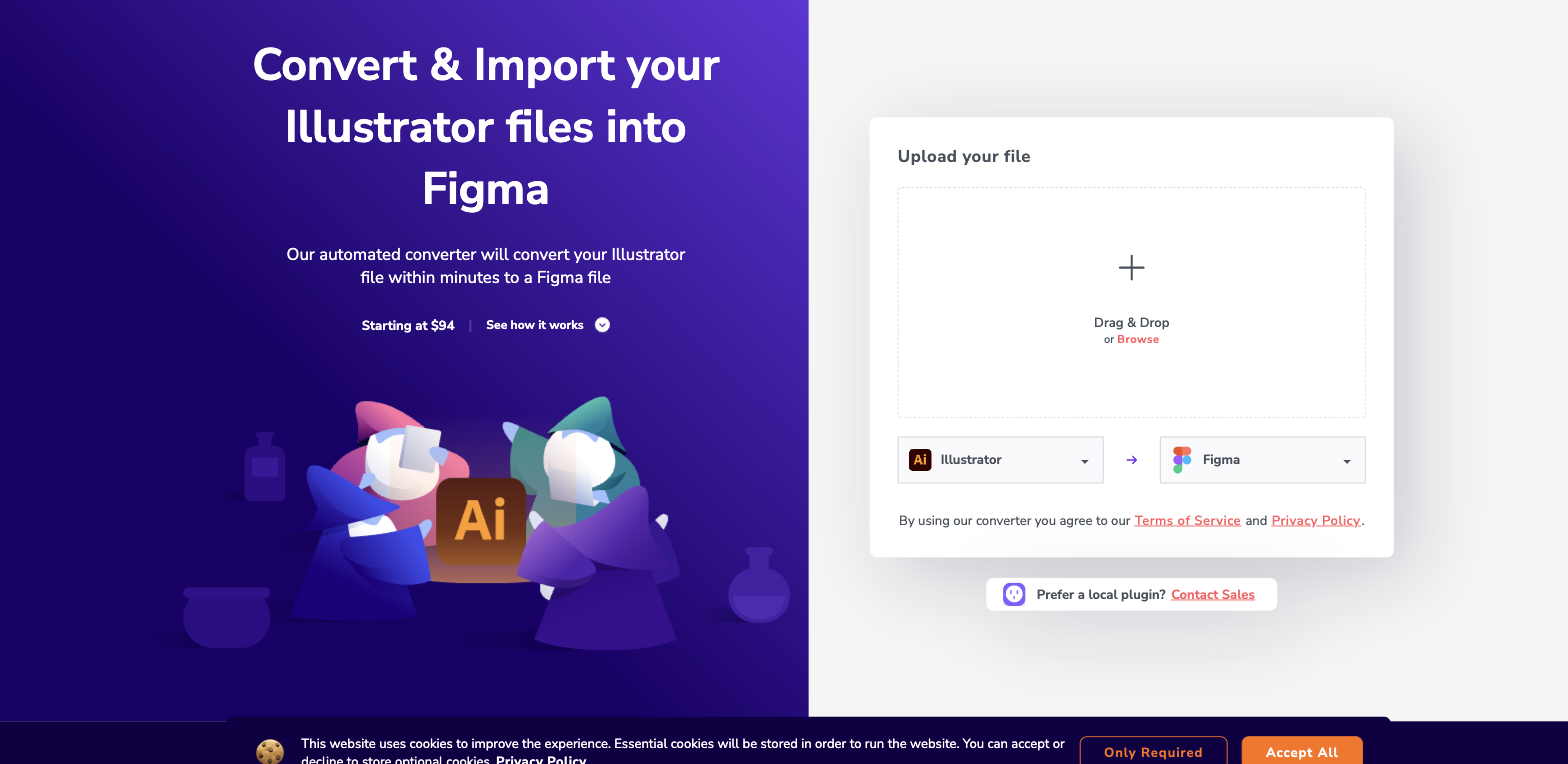
You don’t need Illustrator to move AI artwork into a modern design tool. Our automated converter turns AI files into fully editable designs: upload the file, pick the target format, and download the result a few minutes later. Layers and vector shapes stay editable.
- Convert AI to Figma
- Convert AI to Sketch
- Need the reverse? Read our guide on converting PDF to Illustrator.
For raster exports such as PNG or JPG, any tool that opens the file can export it. However, remember that exporting to pixels throws away the scalability that makes the AI file valuable, so keep the original around.
AI file vs PDF, EPS, and SVG
AI vs PDF: both share the same underlying technology, but PDF is a universal exchange format while AI keeps Illustrator-specific editing data. Consequently, send PDFs to clients and keep AI files as your working masters.
AI vs EPS: EPS is an older exchange format that predates transparency support. It still appears in legacy print workflows, but Adobe itself treats it as a legacy format. We cover the details in our guide on converting EPS files to Figma.
AI vs SVG: SVG is the open vector standard of the web. Browsers render it natively, which makes it perfect for icons on websites. In contrast, AI files are richer but only design tools can read them. A common workflow is designing in an AI file, then exporting individual assets as SVG.
Frequently asked questions
Can I open an AI file for free?
Yes. For viewing, a PDF reader usually works. For editing, Inkscape handles simple files, and a converter gets the artwork into Figma, which is free for individual use.
Why won’t my AI file open in a PDF viewer?
The file was probably saved without PDF compatibility to reduce file size. In that case only Illustrator, or a converter that parses the native stream, can read it.
Does an AI file work in Canva or PowerPoint?
Not directly. Neither tool imports .ai files. First convert the artwork to a compatible format, for example SVG or PNG for Canva, then insert it like any other image.