Convert Canva designs to Google Slides
Our automated converter will convert your Canva file within minutes to Google Slides
Starting at $94






Used by over 4,000 companies and designers


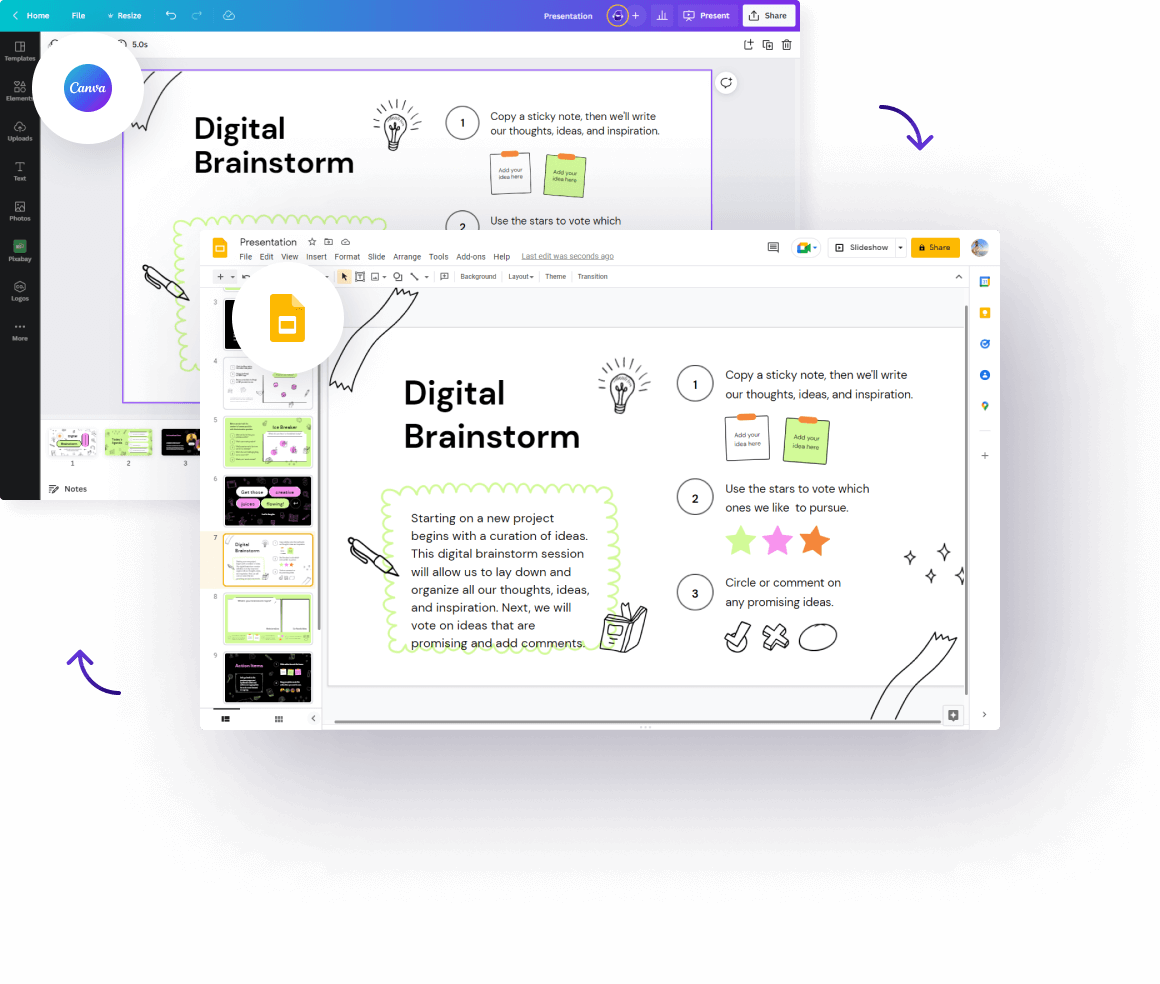
Get ready-to-use, flawlessly converted files
Untouched path elements
Path elements get converted seamlessly. Each icon, shape or path element will remain the same.
Maintain your folder structure
We convert your folders including names and nested structures.
100% visually accurate
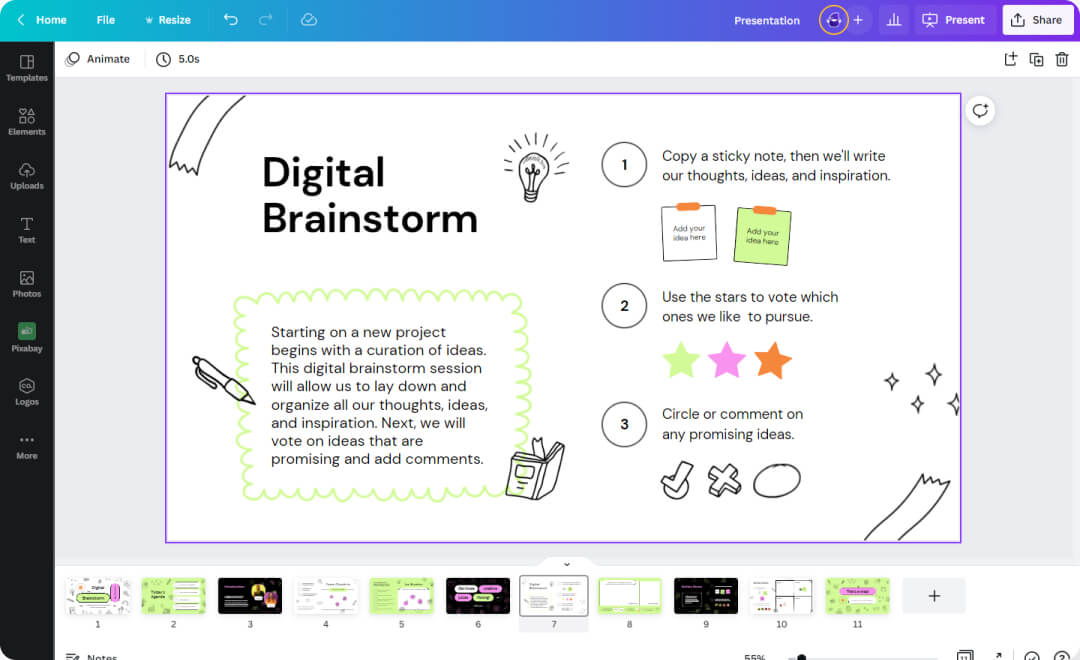
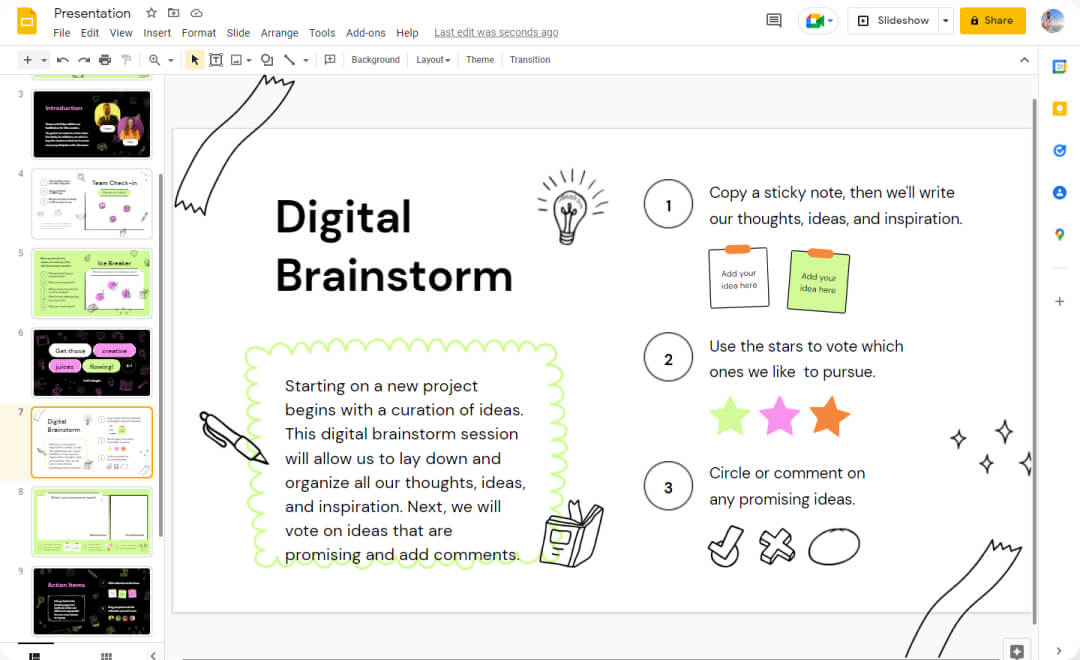
All elements will automatically converted in seconds. Your Canva designs will be converted flawlessly into Google Slides.
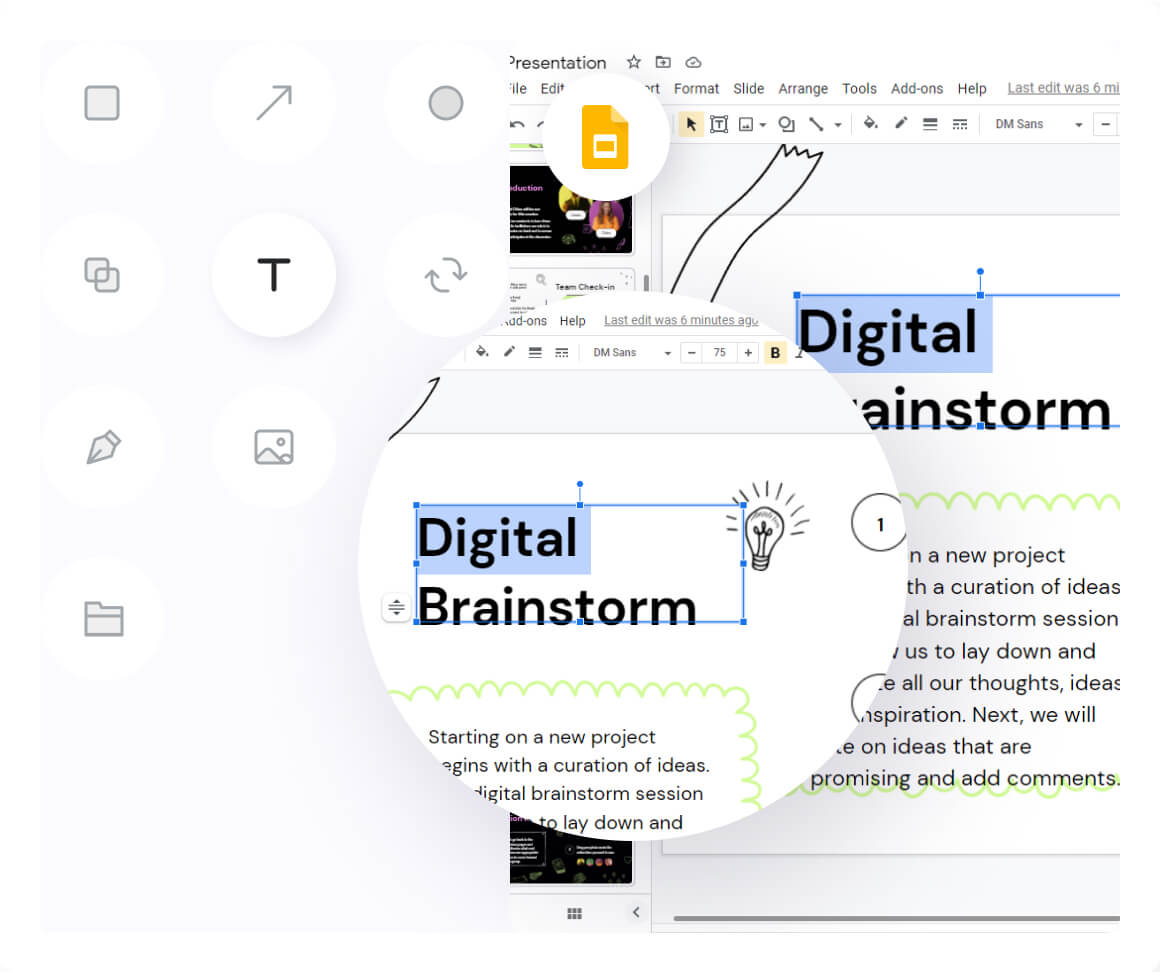
100% pixel perfect conversion
Supports all Shapes & Path elements
100% Accuracy
Canva to Google Slides: frequently asked questions
How do I convert Canva to Google Slides?
There are three ways: download your design as a PPTX file and import it at slides.google.com, share it to Google Drive straight from Canva, or use our automated converter for a fully editable copy. Our Canva to Google Slides guide walks through all three methods with screenshots.
Can I convert Canva to Google Slides for free?
Yes. Exporting a PPTX from Canva and importing it into Google Slides costs nothing. However, the free route can flatten fonts and effects, so use our converter when the design has to stay fully editable.
Will my design stay editable in Google Slides?
Mostly. Google Slides opens PowerPoint files natively, but Canva-specific fonts and effects often arrive as images. Our converter rebuilds text, shapes and images as separate Google Slides elements instead.
Do fonts and animations survive the conversion?
Standard fonts carry over, while Canva-only fonts get substituted or flattened. Animations do not transfer, so you re-apply transitions in Google Slides after the import.
Can I go the other way, from Google Slides into Canva?
Yes. Canva imports PowerPoint files, so you can export your Google Slides deck as PPTX and upload it. Alternatively, our Google Slides to Canva converter automates the whole round trip.
Need another format?
- Convert Now
XD to Figma
- Convert Now
Figma to XD
- Convert Now
Figma to Sketch
- Convert Now
Illustrator to Figma