Convert Canva files into PowerPoint
Our automated converter will convert your Canva file within minutes to a PowerPoint file
Starting at $94





Used by over 4,000 companies and designers


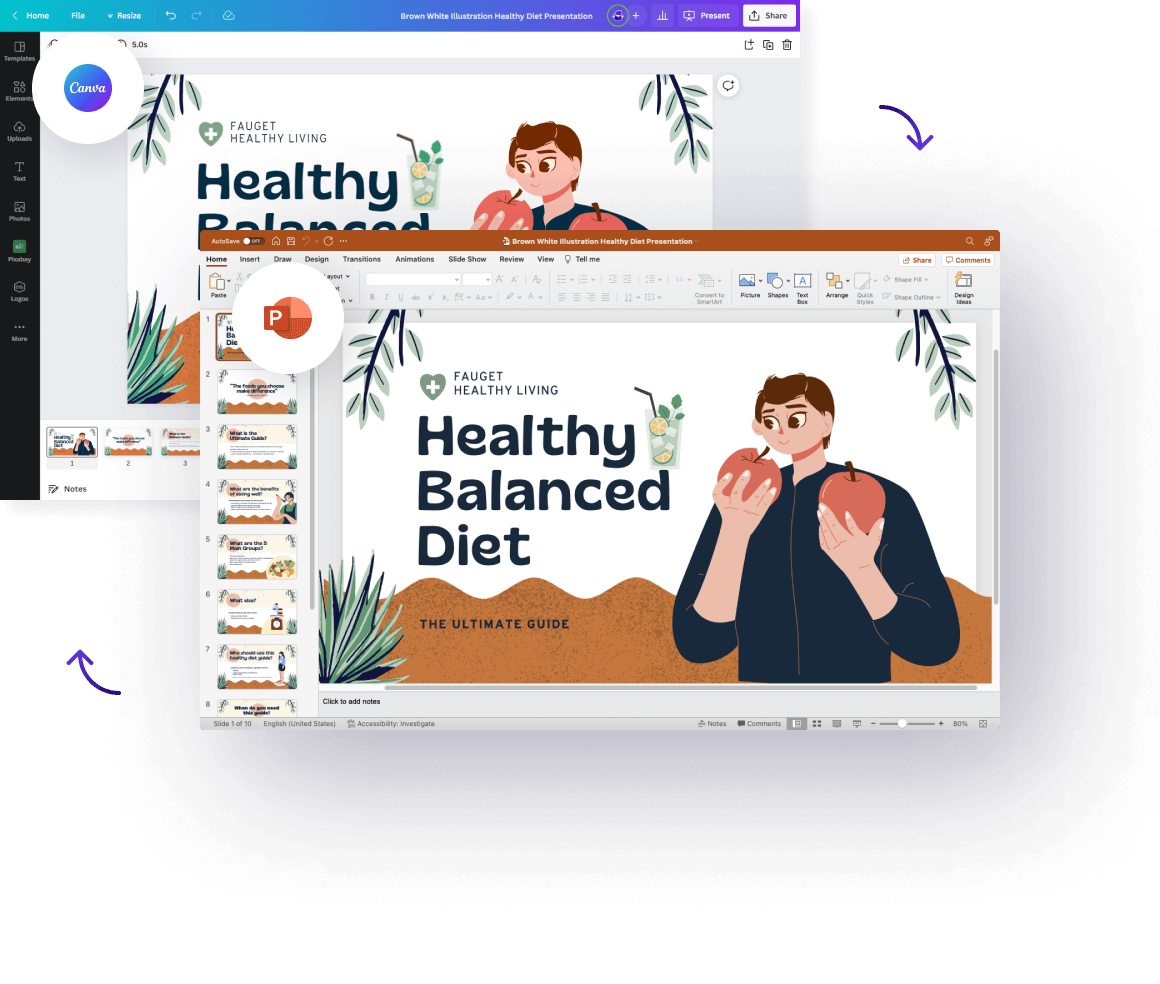
Get ready-to-use, flawlessly converted files
Untouched path elements
Path elements get converted seamlessly. Each icon, shape or path element will remain the same.
Maintain your folder structure
We convert your folders including names and nested structures.
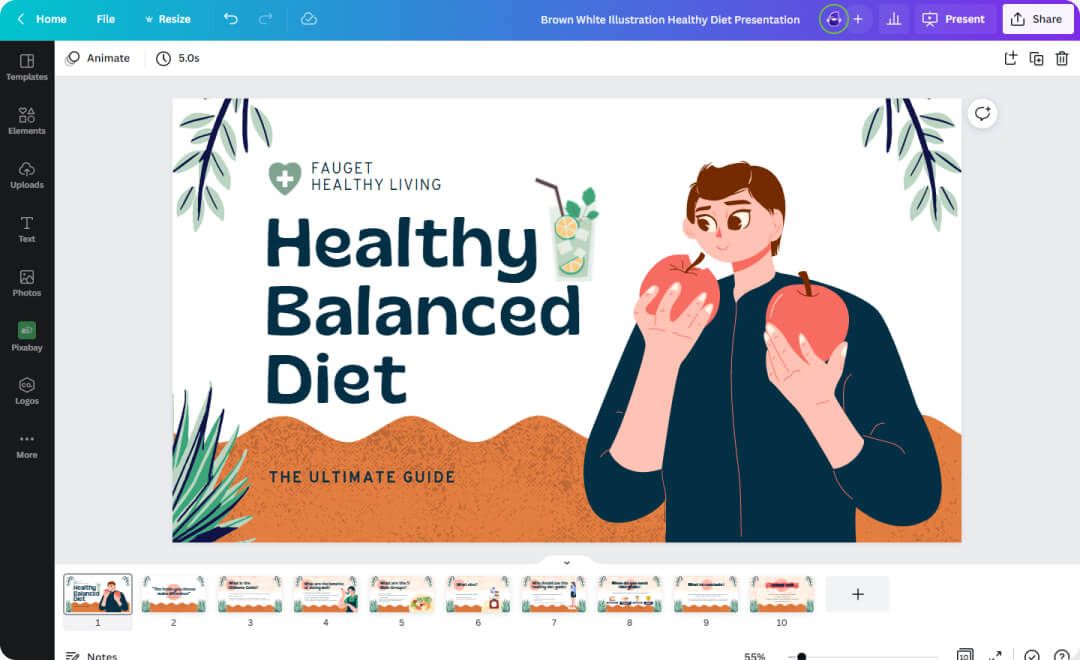
100% visually accurate
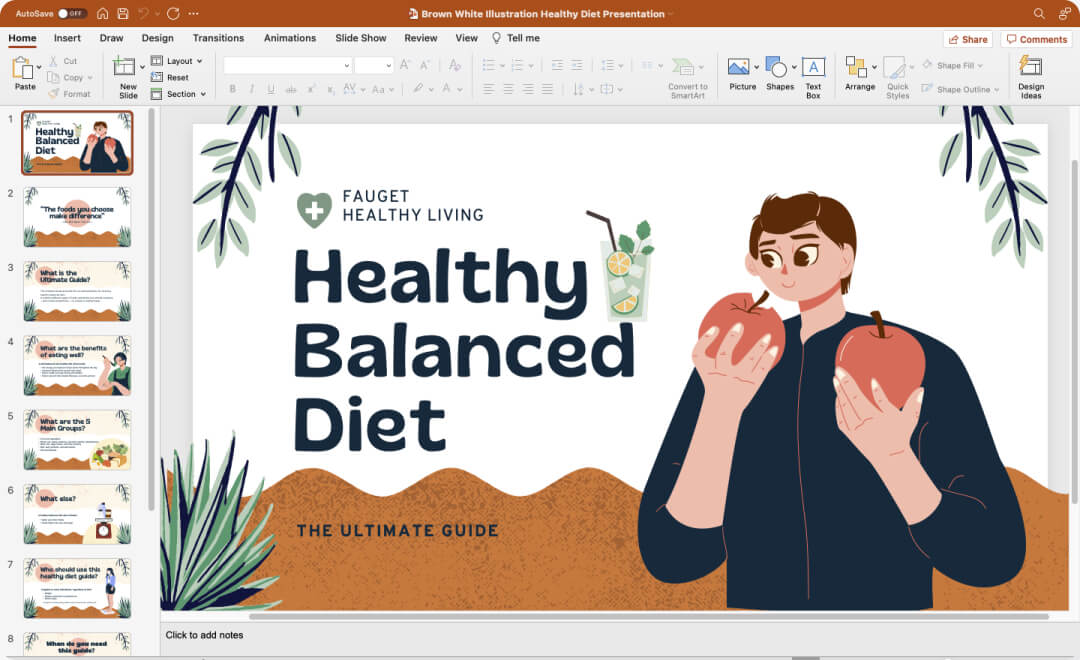
All elements will automatically converted in seconds. Your Canva designs will be converted flawlessly into Powerpoint.
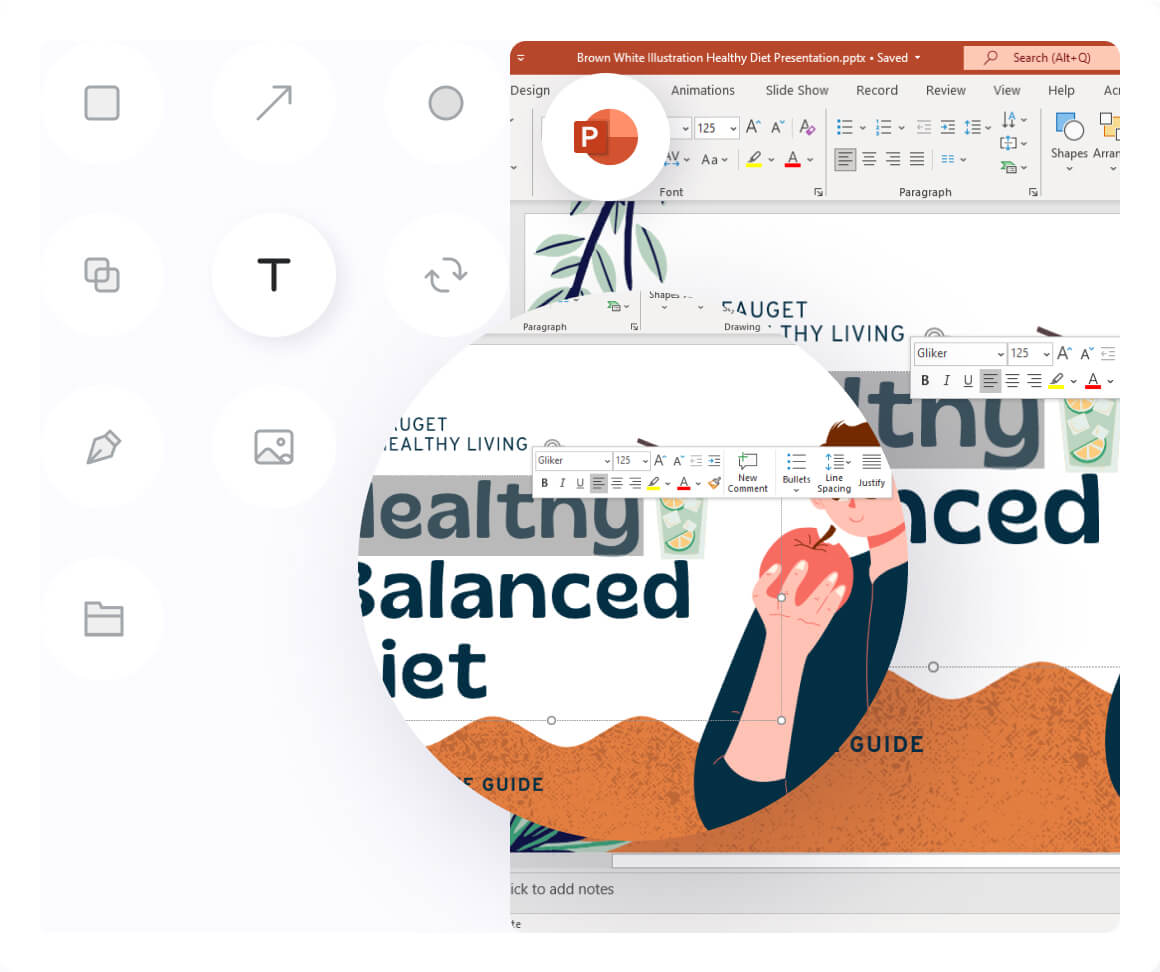
100% pixel perfect conversion
Supports all Shapes & Path elements
100% Accuracy
Canva to PowerPoint: frequently asked questions
How do I convert Canva to PowerPoint?
Open your design in Canva, click Share, choose Download, and pick PPTX (Microsoft PowerPoint) as the file type. However, complex designs often lose editability this way. For a file where every element stays editable, upload your design to our converter above. Our step-by-step Canva to PPT guide covers both routes with screenshots.
Can I convert Canva to PPT for free?
Yes. Canva includes a free PPTX export on every plan. If that export flattens your fonts or shifts your layout, our automated converter rebuilds the file so text, shapes and images arrive as native PowerPoint elements.
Will my Canva design stay editable in PowerPoint?
With Canva's built-in export, most text stays editable but some fonts and effects get flattened into images. In contrast, our converter keeps text boxes, shapes and images as separate, fully editable PowerPoint elements.
Can I convert a Canva design I only have a link to?
Yes. As long as the design's share link is public, you can convert it to a PowerPoint file without opening Canva. Our guide on making a Canva design public shows how to set that up in seconds.
Do animations transfer from Canva to PowerPoint?
Canva animations do not map one-to-one to PowerPoint transitions, so animated elements arrive static. Your slide content, layout and images carry over, and you can then re-apply transitions directly in PowerPoint.
Need another format?
- Convert Now
XD to Figma
- Convert Now
Figma to XD
- Convert Now
Figma to Sketch
- Convert Now
Illustrator to Figma