Import Google Slides into Canva
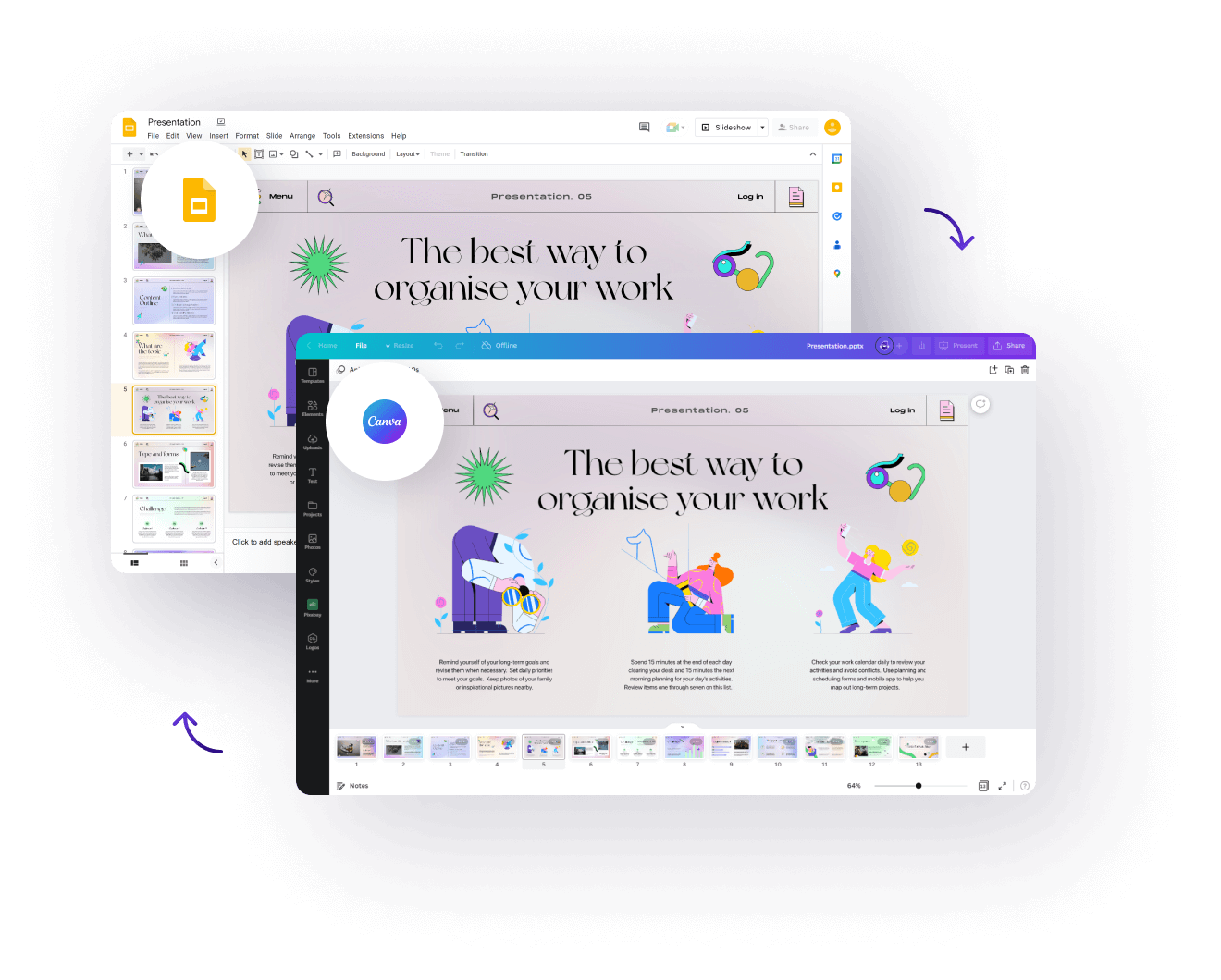
Our automated converter will convert your Google Slides file within minutes to an editable Canva design.
Starting at $94





Used by over 4,000 companies and designers


Get ready-to-use, flawlessly converted files
Untouched path alements
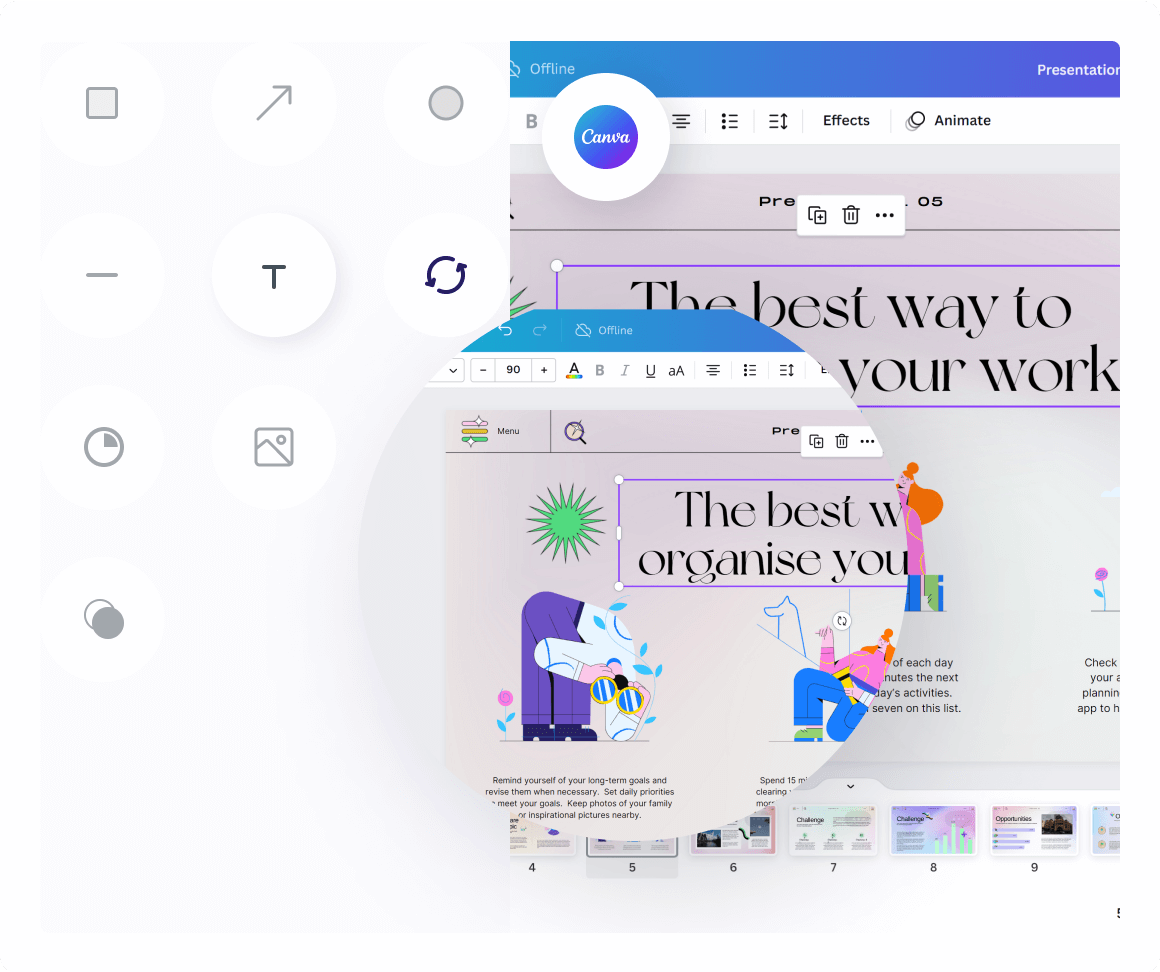
Path elements get converted seamlessly. Each icon, shape or path element will remain the same.
Editable text elements and more
We convert all text elements and layers. Even images and other elements get converted.
100% visually accurate
All elements will automatically converted in seconds. Your Google Slides presentation will be converted flawlessly into Canva.
Pricing
LIMITED TIME OFFER: 1 Year Unlimited AccessConvert unlimited files and artboards. Limited to 1 user. Renews automatically after 1 year. No hidden fees or charges. for $499/year
Convert unlimited files, all formats. Offer ends September 25.
Already a customer?
Prices are in USD
Pay-As-You-Go
Starting at $94/file
Supported formats
Credits
One-time payment, no expiry
Unlimited ArtboardsAn artboard is one screen within a design file. They are called “frames” in Figma, and artboards in Adobe XD, Sketch and Photoshop. For PDF and AI files each page is considered one artboard.
Unlimited ArtboardsAn artboard is one screen within a design file. They are called “frames” in Figma, and artboards in Adobe XD, Sketch and Photoshop. For PDF and AI files each page is considered one artboard.
Unlimited ArtboardsAn artboard is one screen within a design file. They are called “frames” in Figma, and artboards in Adobe XD, Sketch and Photoshop. For PDF and AI files each page is considered one artboard.
Unlimited ArtboardsAn artboard is one screen within a design file. They are called “frames” in Figma, and artboards in Adobe XD, Sketch and Photoshop. For PDF and AI files each page is considered one artboard.
Supported formats
Enterprise Plan
Perfect for large organizations
Automated Bulk ConversionWith the automated bulk conversion you can upload and convert multiple files at once, instead of uploading them one by one. Additionally you can run bulk conversions on Dropbox, Google Drive and other storage directories.
ImportThe enterprise plan allows you to directly convert all design files stored in a Dropbox, Google Drive, S3 or other storage provider. This means you can directly import your files without downloading them and re-uploading them to our service. from Google Drive, OneDrive, Dropbox or S3
SSO
24/7 Premium Support
Enterprise EncryptionYour files are stored fully encrypted according to the AES-256 standard using SSE-S3.
Supported formats






100% pixel perfect conversion
Supports Groups & Layers
Converts Components/Symbols
Full Artboard + Style support
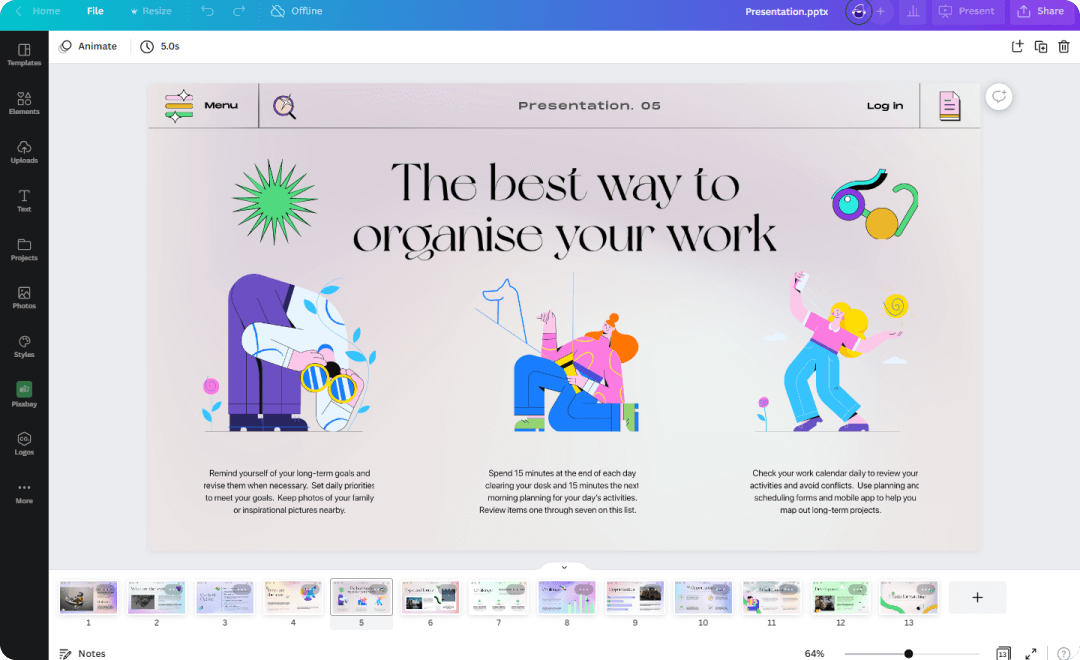
Google Slides to Canva: frequently asked questions
How do I import Google Slides into Canva?
Download your deck as a PPTX file via File, then Download, then Microsoft PowerPoint, and upload that file to Canva. Alternatively, paste your presentation link into our converter above for an automated import. Our guide on converting PowerPoint to Canva shows the manual route step by step.
Can I import Google Slides into Canva for free?
Yes. Canva accepts PPTX uploads on its free plan. However, complex slides often lose formatting on the way in, which is exactly what our automated converter prevents.
Will my slides stay editable in Canva?
Mostly. Text and shapes imported from a PPTX usually stay editable, while fonts Canva does not have get substituted with the closest match. Check text-heavy slides after the import.
Can I convert Canva back to Google Slides?
Yes. Use our Canva to Google Slides converter, or export the design from Canva as a PPTX file. Our Canva to Google Slides guide compares all three methods.
Need another format?
- Convert Now
XD to Figma
- Convert Now
Figma to XD
- Convert Now
Figma to Sketch
- Convert Now
Illustrator to Figma